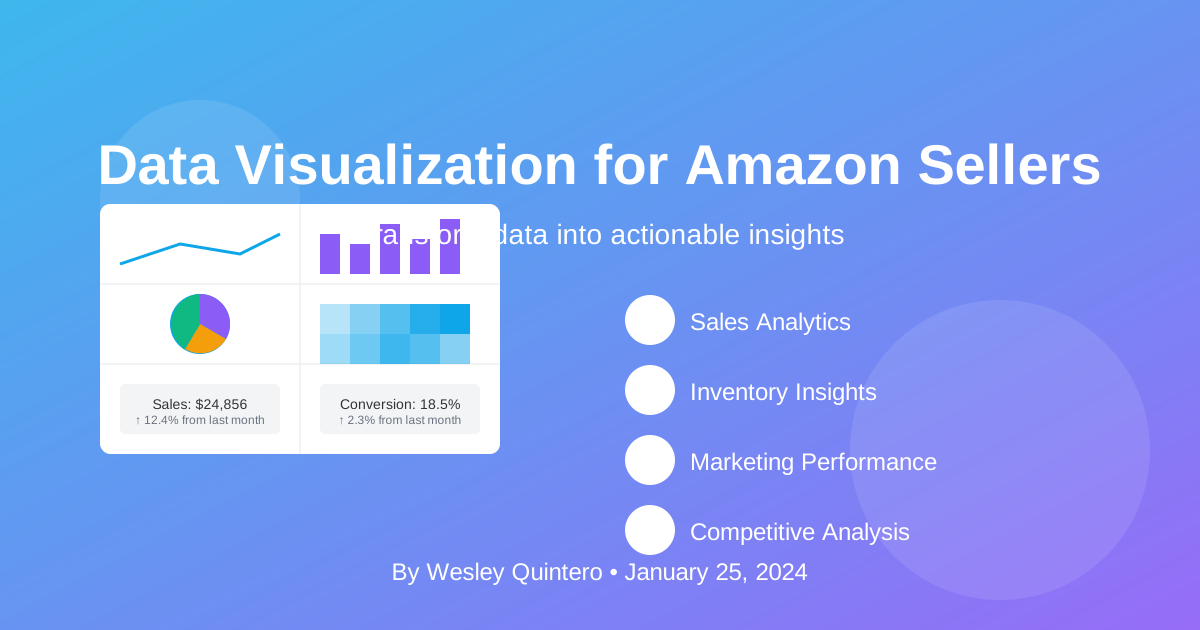
The Command Deck Playbook: Visualizing Data for Decisive Action
(The Premise) Why This Matters: For the amateur, a dashboard is a "data graveyard"—a pretty collection of charts that looks impressive but leads to zero action. For the professional, a dashboard is a Command Deck. Every single element on the screen is designed to answer one question: "What is the next, most profitable action I can take?" This playbook is not about making charts; it's about architecting a system for making better decisions, faster.
1. The Commander's Intent: The Philosophy of Design
(The Premise) Why This Matters: A dashboard without a clear question is just decoration. Before you ever open Tableau or Looker Studio, you must first answer the single most important question. Failure to do so is the root cause of every useless dashboard ever created.
(The Core Content - Reframed as Questions) Your design process is not about choosing colors. It is about answering these three questions with ruthless clarity:
- What ONE Decision Will This Dashboard Drive? (e.g., "Should I reorder this product?" "Should I increase the ad bid?" "Is this product profitable?") If you cannot state the decision in a single sentence, do not proceed.
- What is the ONE Key Metric That Informs This Decision? (e.g., Sell-Through Rate, TACoS, Net Profit per Unit). This is your North Star Metric. All other metrics on the dashboard exist only to support this one.
- What is the Action Threshold? (e.g., "If Sell-Through Rate drops below 1.5, I will run a 20% off coupon." "If Net Profit is below $5, I will renegotiate with my supplier.") You must pre-define your actions. The dashboard's job is to tell you when to act.
The Specialist's Edge (The Unspoken Rule):
Ruthless Simplicity is the ultimate weapon. Amateurs build cluttered dashboards with 20 different charts, creating noise and hiding the truth. This is a sign of unclear thinking. A true master's Command Deck often has only 3 to 5 key visuals on a single screen. Its power comes not from the volume of data it shows, but from the clarity of the single, powerful story it tells. If a chart does not directly contribute to answering your ONE key question, it must be deleted.
2. The Arsenal: Pre-Forged Dashboard Blueprints
(The Premise) Why This Matters: Don't start from a blank canvas. Start from a battle-tested blueprint. Here are three essential Command Decks every Amazon operator should build, each designed to answer a different critical business question.
(The Process - Replaces Generic Examples with Actionable Blueprints)
Blueprint #1: The Profitability Audit Deck
- The ONE Question: Is this SKU actually making me money?
- North Star Metric: True Net Profit per Unit.
- Key Visuals:
- A waterfall chart showing the breakdown from Sale Price -> Amazon Fees -> Ad Spend -> Landed Cost -> Net Profit.
- A bar chart ranking your top 5 most (and least) profitable ASINs.
- A line chart tracking Net Profit % over time.
Blueprint #2: The PPC Flywheel Deck
- The ONE Question: Is my ad spend growing my overall business?
- North Star Metric: Total ACoS (TACoS).
- Key Visuals:
- A dual-axis line chart comparing ACoS (efficiency) and TACoS (impact) over time.
- A stacked bar chart showing the ratio of Paid vs. Organic sales for your top products.
- A scatter plot mapping Ad Spend vs. Change in Organic Rank.
Blueprint #3: The Supply Chain Command Deck
- The ONE Question: When and how much should I reorder?
- North Star Metric: Estimated Days of Cover.
- Key Visuals:
- A gauge or card for your current IPI score.
- noise. Before you choose a single chart or color, you must be able to state, in one sentence, the question this dashboard answers. If you cannot, you are not ready to build.
(The Core Content - The Arsenal of Charts) Your choice of visualization is a tactical decision. Choose the right weapon for the job.
| **The Question**                           | **The Weapon**                     |
|--------------------------------------------|------------------------------------|
| How is a key metric trending over time?    | 📈 Line Chart                      |
| How do different products compare?         | 📊 Bar Chart                       |
| What is the composition of my sales?       | 🌳 Treemap or Donut Chart          |
| What is the relationship between two metrics? | ✨ Scatter Plot                    |
| How are we performing against our KPI?     | ⚡ Gauge or Single Scorecard        |
The Specialist's Edge (The Unspoken Rule):
One Dashboard, One Question. Ruthlessly adhere to this principle. Do not build a "Sales Dashboard." Build a dashboard that answers, "Why has our sales velocity for Product Line A stalled?" Do not build a "PPC Dashboard." Build a dashboard that answers, "Are our New-to-Brand customer acquisition costs rising or falling?" This singular focus transforms a passive report into an active investigation, forcing a conclusion and an action.
2. The Battle Map: Visualizing Your Sales Flywheel
(The Premise) Why This Matters: Most sellers build dashboards that report on the past. This is like driving while looking only in the rearview mirror. A true command center visualizes the health of your sales flywheel, giving you leading indicators that help you predict the future.
(The Core Content - Key Metrics)
- Revenue Trends: Daily, weekly, monthly sales.
- Product Performance: Top sellers, conversion rates.
- Customer Insights: New vs. returning customer trends.
The Specialist's Edge (The Unspoken Rule):
Go beyond visualizing lagging indicators like
Total Sales. Your dashboard must visualize the health of the engine itself. Track and chart these three critical ratios:
- Session-to-Conversion Rate Trend: Is your traffic converting better or worse over time? This is a direct measure of your listing's health.
- PPC Spend vs. Organic Rank: Visualize the relationship. Are you spending more just to maintain rank, or is your ad spend successfully lifting your organic position?
- Change in New-to-Brand %: Is your growth coming from new customers or repeat buyers? A declining NTB rate is an early warning that your market reach is shrinking. These metrics tell you where your business is going, not just where it has been.
3. The Toolkit: Choosing Your Weapon System
(The Premise) Why This Matters: The tool you use determines the questions you can ask. Choose your visualization platform based on its ability to integrate data and automate reporting, freeing you to focus on analysis, not manual updates.
(The Core Content - Tool Recommendations)
| Tool                  | The Use Case                                      |
|-----------------------|---------------------------------------------------|
| **Google Looker Studio**  | The free, flexible, and powerful default choice.  |
| **Tableau**             | For advanced, enterprise-level data modeling.     |
| **Excel (Power Query)**   | For building custom, offline financial models.    |
| **Sellerboard/Helium 10** | For pre-built, Amazon-specific KPI dashboards.    |
The Specialist's Edge (The Unspoken Rule):
Your goal is full automation. Your dashboard should update itself without you touching it. Use a tool like Looker Studio that can connect directly to a Google Sheet. Then, use a service like Zapier or a custom Google Apps Script to automatically pull your daily reports from Amazon and dump them into that Google Sheet. Your command center should always reflect the current state of the battlefield, without requiring a single minute of your time on manual data entry.
Conclusion: Command, Don't Report
A well-architected dashboard does not simply present data; it forces a decision. It replaces ambiguity with clarity and opinion with evidence. Stop building reports that document the past. Start building command centers that allow you to command the future.