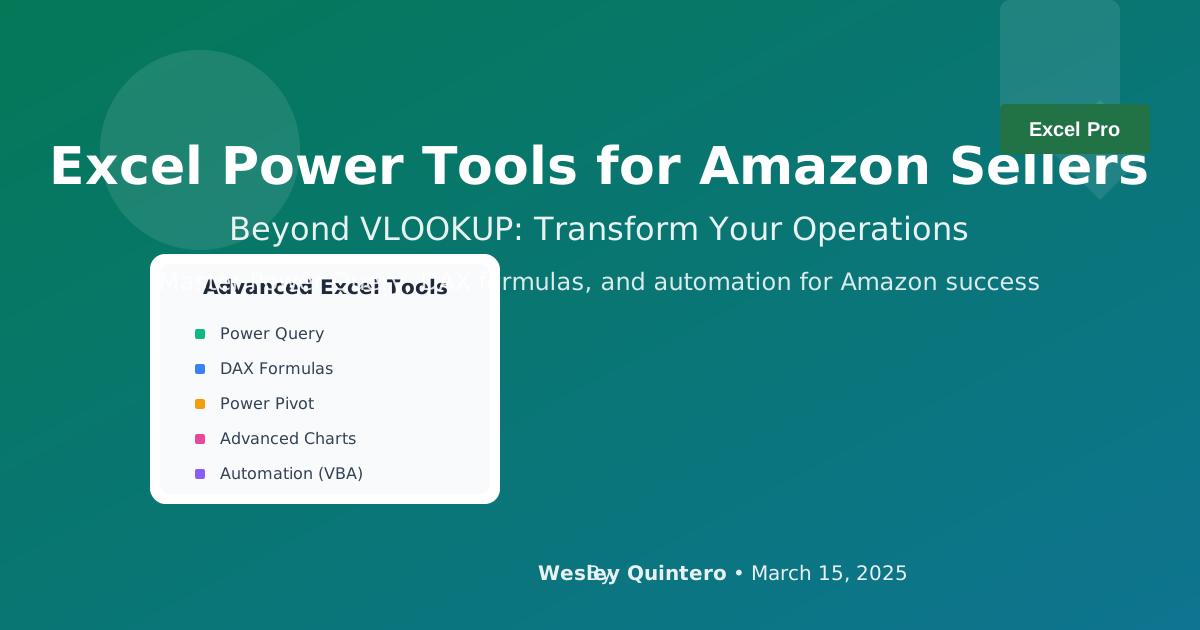
The Data Discipline Playbook: Forging Insights with Excel
(The Premise) Why This Matters: For the amateur, Excel is a digital notepad for making lists. For the professional, it is a forge—a place where raw, messy data is hammered into clean, actionable intelligence. Specialized software can show you data, but Excel, when wielded with discipline, allows you to ask your own questions. This playbook is not just about functions; it's about building a system for thinking.
1. The Core Arsenal: Beyond Simple Formulas
(The Premise) Why This Matters: Knowing SUM and AVERAGE is not an Excel skill; it is basic arithmetic. A true operator wields tools that can tame chaos and connect disparate data sources into a single source of truth.
(The Core Content - Refined)
- Pivot Tables: The fastest way to move from raw data to a high-level summary.
- XLOOKUP (Not VLOOKUP): The modern, more powerful tool for merging data. It's faster, more flexible, and less error-prone. VLOOKUP is a relic.
- Power Query (Get & Transform): This is your automated data janitor. It is the single most important tool for any serious Amazon seller. It allows you to build repeatable, one-click processes for cleaning Amazon's notoriously messy reports.
The Specialist's Edge (The Unspoken Rule):
Your goal is to never perform the same cleaning task twice. The first time you download a messy Amazon report (like the Search Term Report), you should open Power Query and build a repeatable "recipe" of steps to clean it: remove unnecessary columns, trim whitespace, change data types, split columns. Save this query. The next time you download the report, you simply refresh the query, and the entire cleaning process happens automatically in seconds. This isn't just saving time; it's codifying your knowledge into an automated system.
2. The Strategic Templates: Your Custom Dashboards
(The Premise) Why This Matters: A template is not a finished product; it is a framework for repeatable analysis. The templates below are not just downloads; they are starting points for building your own custom command center.
(The Core Content - Re-framed)
- Profitability Audit: Goes beyond a simple calculator. This template uses XLOOKUP to pull in landed costs, referral fees, and FBA fees to calculate true, SKU-level net profit.
- PPC Keyword Harvester: A dashboard that connects to your Search Term Report and uses conditional formatting to automatically highlight high-click, zero-conversion terms (for negatives) and converting terms (for new exact match targets).
- Inventory Velocity Tracker: Uses historical sales data to forecast stockout dates and suggest reorder quantities, directly implementing the
(Avg Daily Sales × Lead Time) + Safety Stockformula.
The Specialist's Edge (The Unspoken Rule):
The most powerful dashboard is a Unified Metrics Dashboard. Create a single "master" Excel file. Use Power Query to pull data from multiple sources: your Amazon Sales Report, your PPC reports, and even a simple CSV of your own product costs. Connect all this data into a single Power Pivot data model. Now you can build a Pivot Table that shows
Net Profit After Ad Spendfor a specific SKU, on a specific day. You have transcended Amazon's limited dashboards and built your own single source of truth.
Conclusion: From Spreadsheet to System
Stop using Excel as a calculator. Start using it as an engine. By embracing automation with Power Query and building disciplined, repeatable systems for analysis, you are no longer just managing data. You are forging it into a competitive weapon. This is the foundation of data discipline.